- Android
- iOS
Memoria: Recall Table
Remember any sequence of numbers.
Memoria is an Android and iOS app that helps you memorize numbers with a recall table (peg system), a mnemonic technique that links every number to an image.
Overview · Updated
About Memoria
Memoria helps you build and train your recall table, the peg-system technique used by memory champions. The idea is simple: link every number to a vivid image.
Once your table is built, a code, a phone number or a list turns into a short story that is easy to remember. The app walks you through it step by step, up to 100 numbers and beyond.
- Category
- Memory training, brain training
- Platforms
- Android and iOS (iOS 15 or later)
- Price
- Free, with an optional one-time Premium purchase, no subscription
- Account
- No account needed, tables stay on your phone
- Method
- Recall table / peg system (number → image)
Use cases
What is Memoria for, day to day?
Remember codes and numbers
A door code, a phone number, a loyalty card number: turn them into a short story made of images.
Train your memory
A few minutes of exercises a day to work your visual memory, with goals and records to keep improving.
Learn the champions' techniques
The peg system is the foundation of the methods used in memory competitions. Memoria guides you through building yours.
Learn dates and figures
Historical years, formulas, statistics: the method works for any sequence of digits you need to learn.
Features
Memoria features
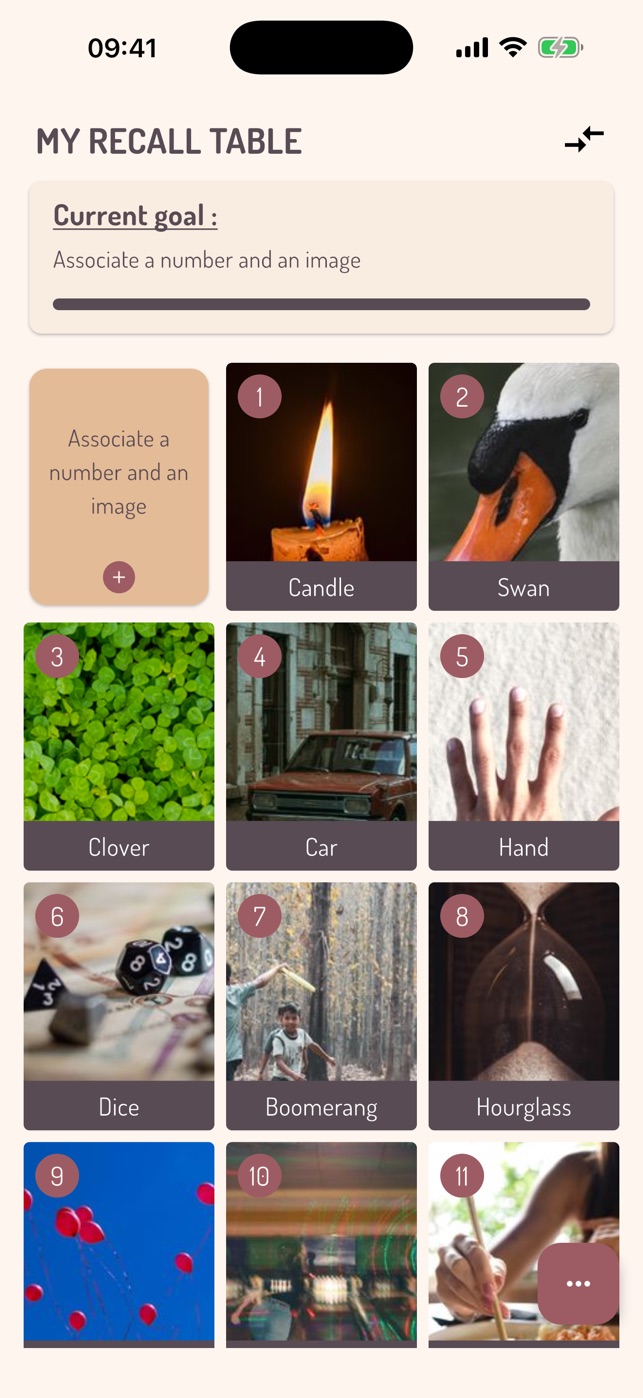
A table of your own
Link each number to a short name and an image: a photo from your phone or a picture found online.
Built-in guide
Tips to choose strong associations: rhymes, one consonant per group of ten, step-by-step progression.
Classic mode
Find the image for a number, or the number for an image, to anchor each link both ways.
Time attack
Get a perfect run as fast as possible and try to beat your best time.
Series
Memorize a sequence of numbers, then recall it in order: what a peg table is really for.
Best streak and endless mode
Chain correct answers or train without limits, at your own pace.
Value range
Restrict training to part of your table to work on your weak spots.
Goals and records
Unlockable goals guide you up to 100 numbers and beyond; your best times and streaks are kept.
Back up your tables
Export your tables and their images to an archive and import them back, for example on a new phone.
How does the recall table method work?
0 to 20: your first images
Pick the first image that comes to mind for each number. It should be concrete and easy to visualize.
Beyond 20: one consonant per ten
For each group of ten, choose words starting with the same consonant. Rhyming the image with the number helps too.
Take it slowly
Add the first 20 words, practise them for about ten days, then add 10 more, and so on up to 100 numbers and beyond.
Practise regularly
Memoria's exercises make the links automatic. Regular practice matters more than long sessions.
Screenshots
Memoria screenshots
Memoria recall table screen: a grid of numbers linked to images 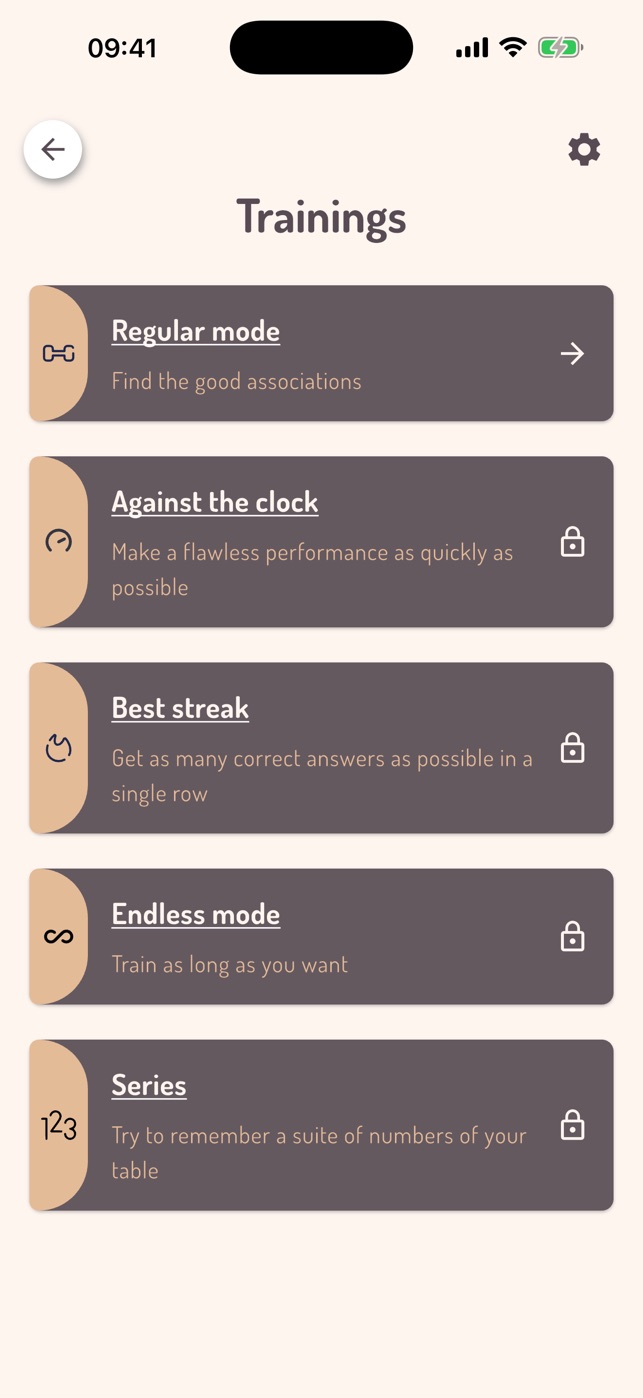
Memoria training modes: classic, time attack, best streak, endless and series 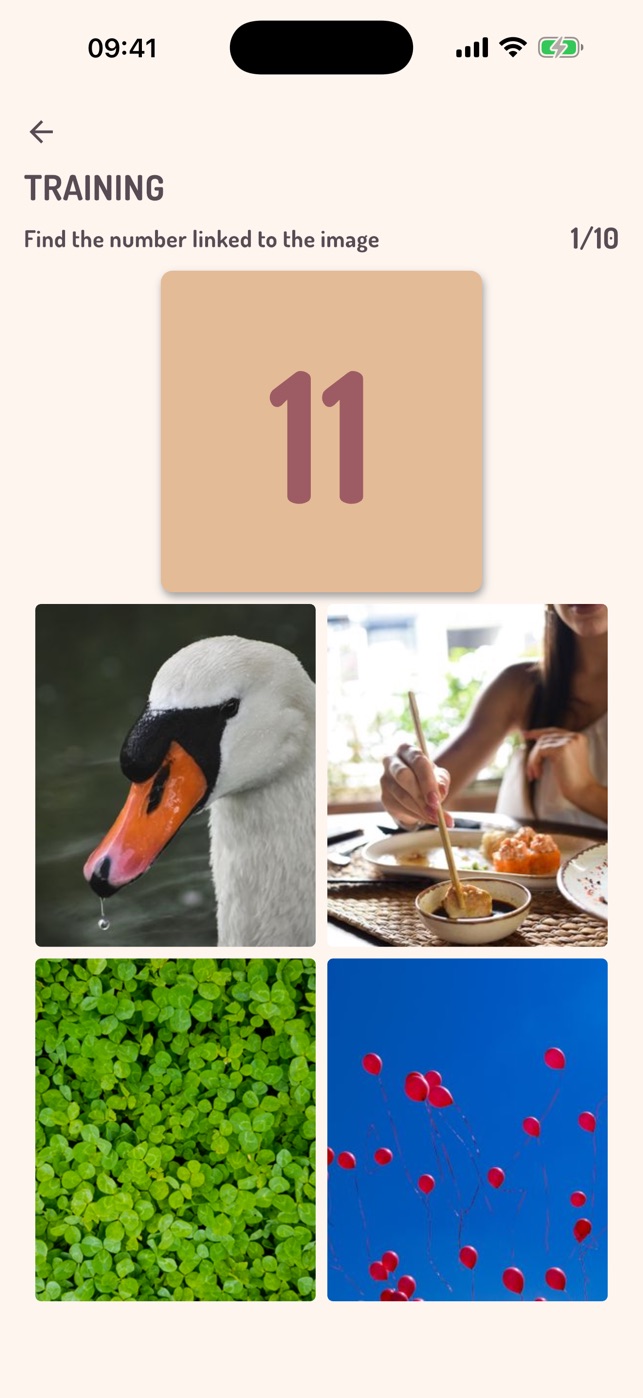
Memoria exercise: find the number linked to an image 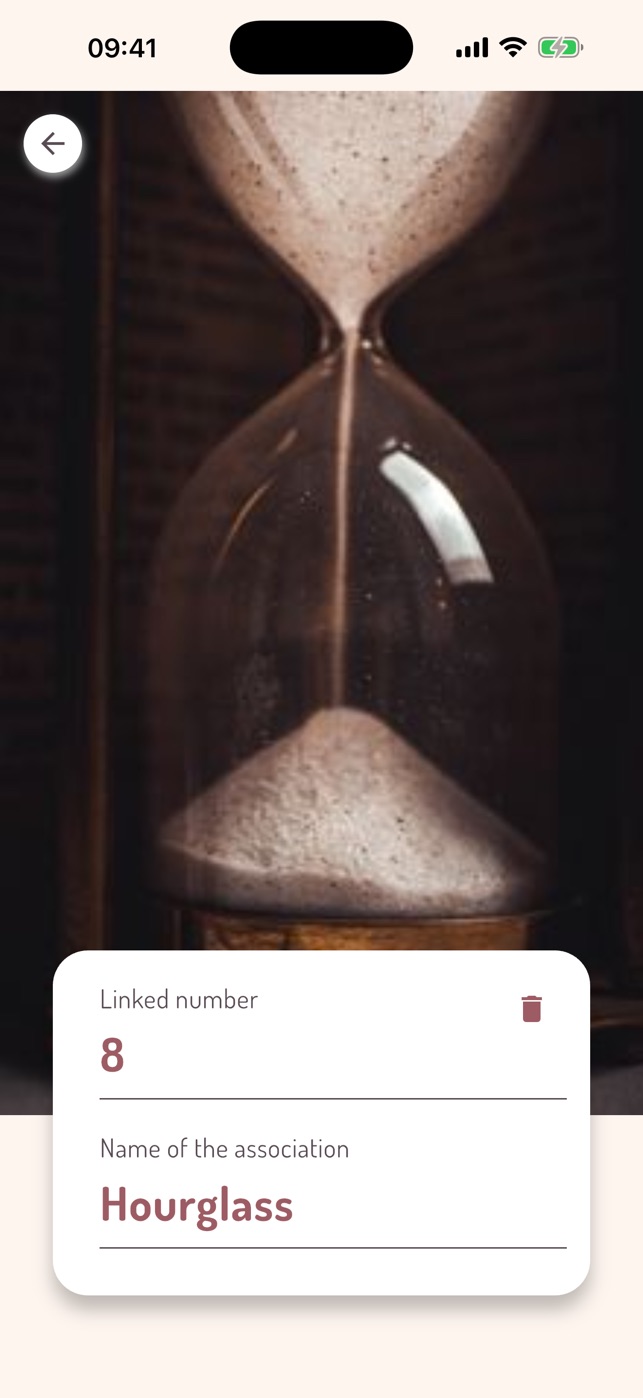
Creating a number, name and image association in Memoria 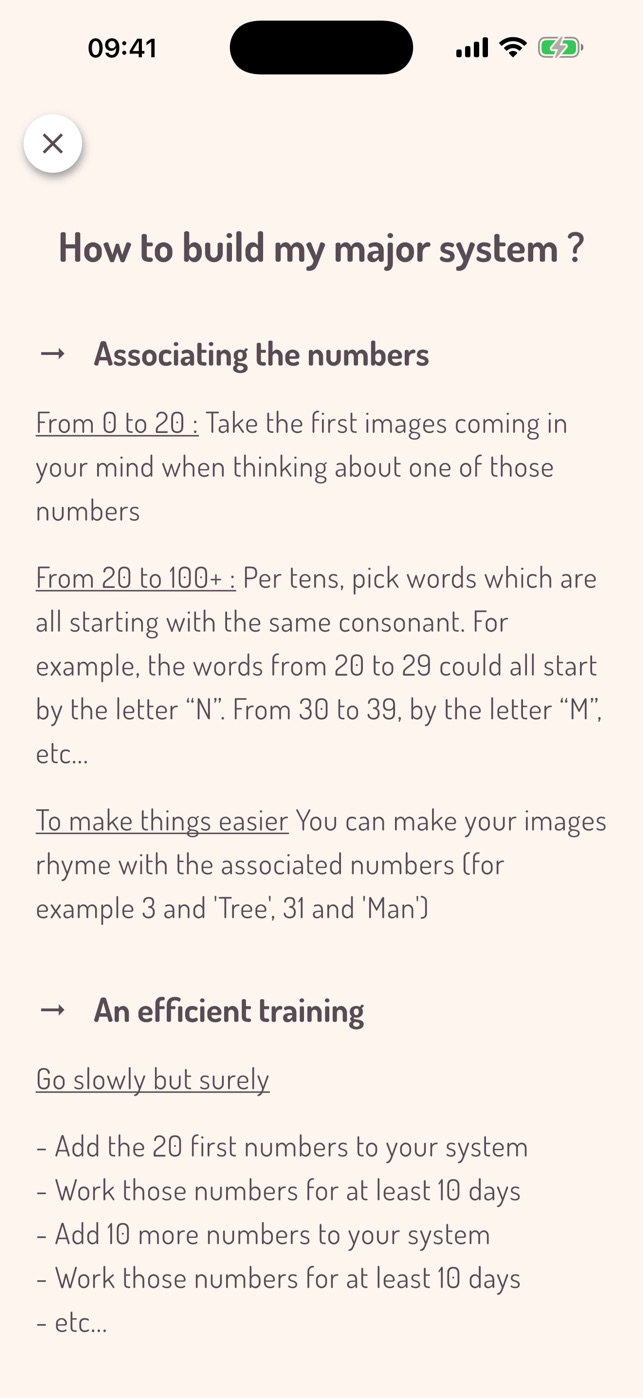
Memoria built-in guide to building a recall table 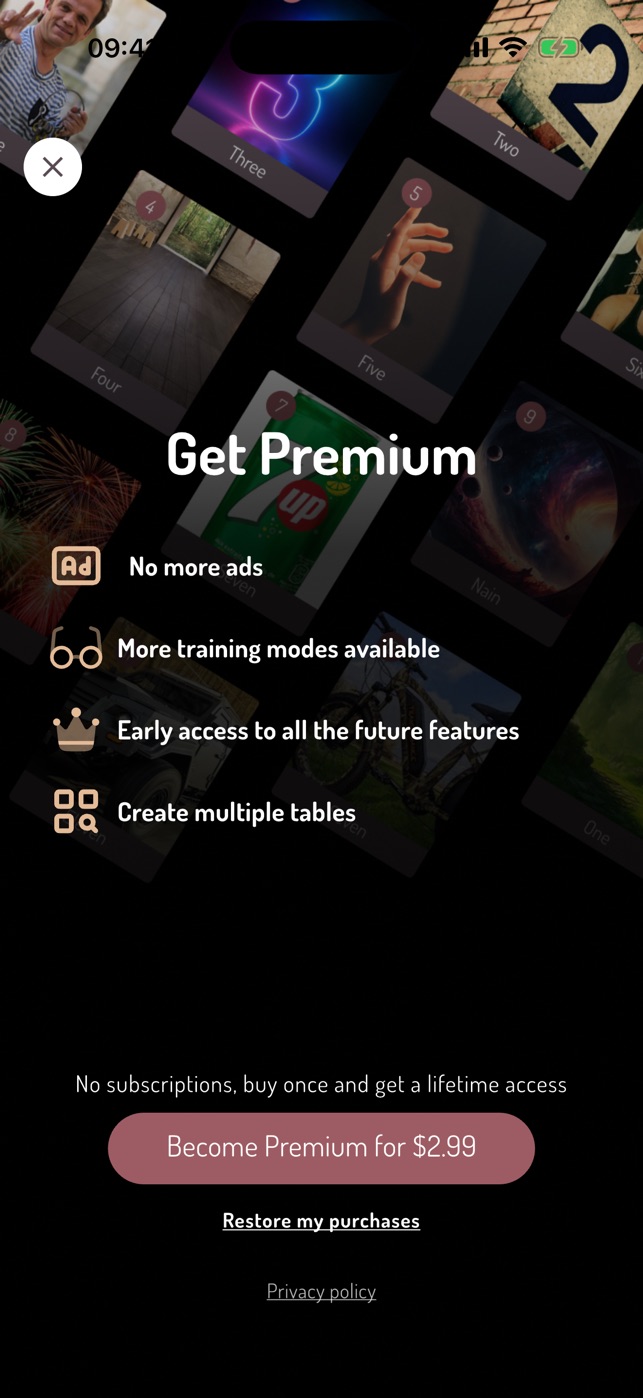
Memoria Premium screen: one-time purchase, no subscription
FAQ
Memoria: frequently asked questions
What is Memoria?
Memoria is a free Android and iPhone app to build your own recall table (peg system) and practise memorizing numbers with training exercises.
What is a recall table?
A list where every number is linked to a mental image. To remember a sequence of digits, you chain the matching images into a short story.
Is Memoria free?
Yes, the app is free. An optional one-time Premium purchase, with no subscription, removes ads, unlocks every training mode and lets you create several tables.
Do I need an account?
No. No account is required and your tables stay on your phone. You can export them to an archive to back them up or move them.
How many numbers do I need to start?
Training is available from 5 associations. The guide suggests starting with numbers 0 to 20, then moving up ten at a time.
Can I use my own pictures?
Yes. Each association can use a photo from your phone or an image found with the built-in search.
Download Memoria: Recall Table
Free, with an optional one-time Premium purchase, no subscription
Privacy policy